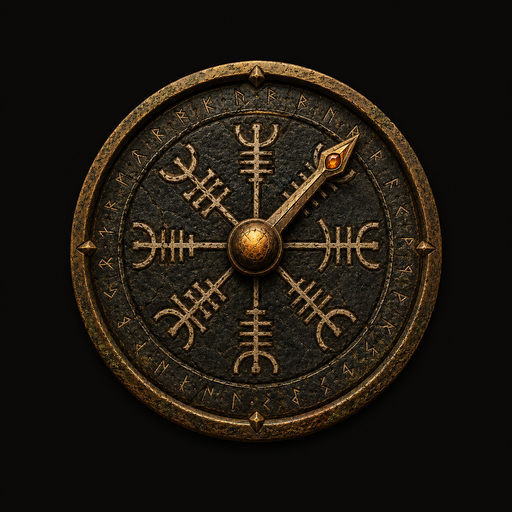
Lodestone
Leiðarsteinn · the leading-stone
A carved Nordic compass that always points to the places you care about. Drop a stone on the map, name it, give it a mark — and the rose leads you back to it using your phone's GPS and compass.
Download for Android APK · sideload installWhat it does
- 🗺️Pick on the map. Tap anywhere to drop a waypoint — or use your current location.
- ᚱName & mark it. Give each stone a colour and a rune so you can tell them apart.
- 🧭Many needles at once. The rose grows a needle for every active stone, each pointing true.
- 📶Works off-grid. Once a stone is carved, the compass needs no signal — only sky and the lay of the land.
Installing
- Tap Download for Android above to fetch the
.apk. - Open the downloaded file. Android will ask to allow installs from this source — tap Settings and enable
Allow from this source. - Go back and tap Install, then Open.
- Tap Awaken the stone and grant location + compass access.
Lodestone is distributed directly (not via the Play Store), so it's signed with its own key. Android may show a standard "unknown developer" notice — that's expected for sideloaded apps.